Universal Ledger
How to use
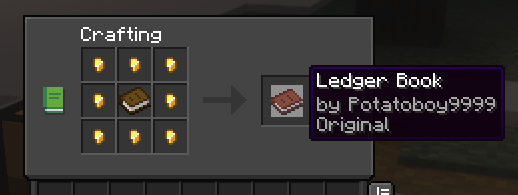
To start off, you need to craft the Ledger Book
To check an inventory
(chest, furnace, shulkers etc.)
right-click the inventory block using the book
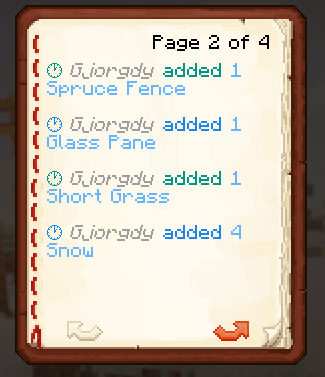
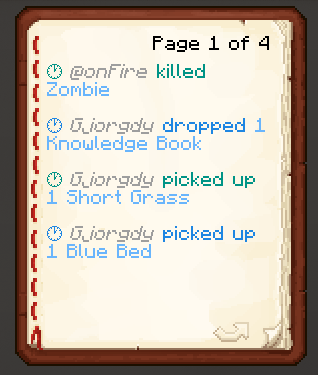
To check entities
right-click in the air or any non-inventory block using the book
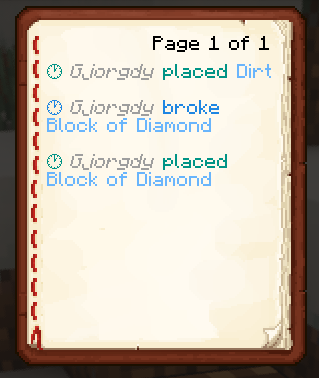
To check blocks
left-click the block using the book
Config
you are able to configure which triggers show which actions in the book
To change the default configuration, paste the following at the end of the /config/ledger.toml file:
[book]
# This section relates to the Universal Ledger extension
# Here you can specify what players are able to see when using a Ledger Book

# What actions should be shown when right-clicking anywhere but an inventory block
areaActions = ["item-pick-up", "item-drop", "entity-kill", "entity-change", "entity-mount", "entity-dismount"]
# What actions should be shown when right-clicking an inventory block
inventoryActions = ["item-insert", "item-remove"]
# What actions should be shown when left-clicking a block
blockActions = ["block-place", "block-break", "block-change"]